Posted: August 3, 2026
Before You Call
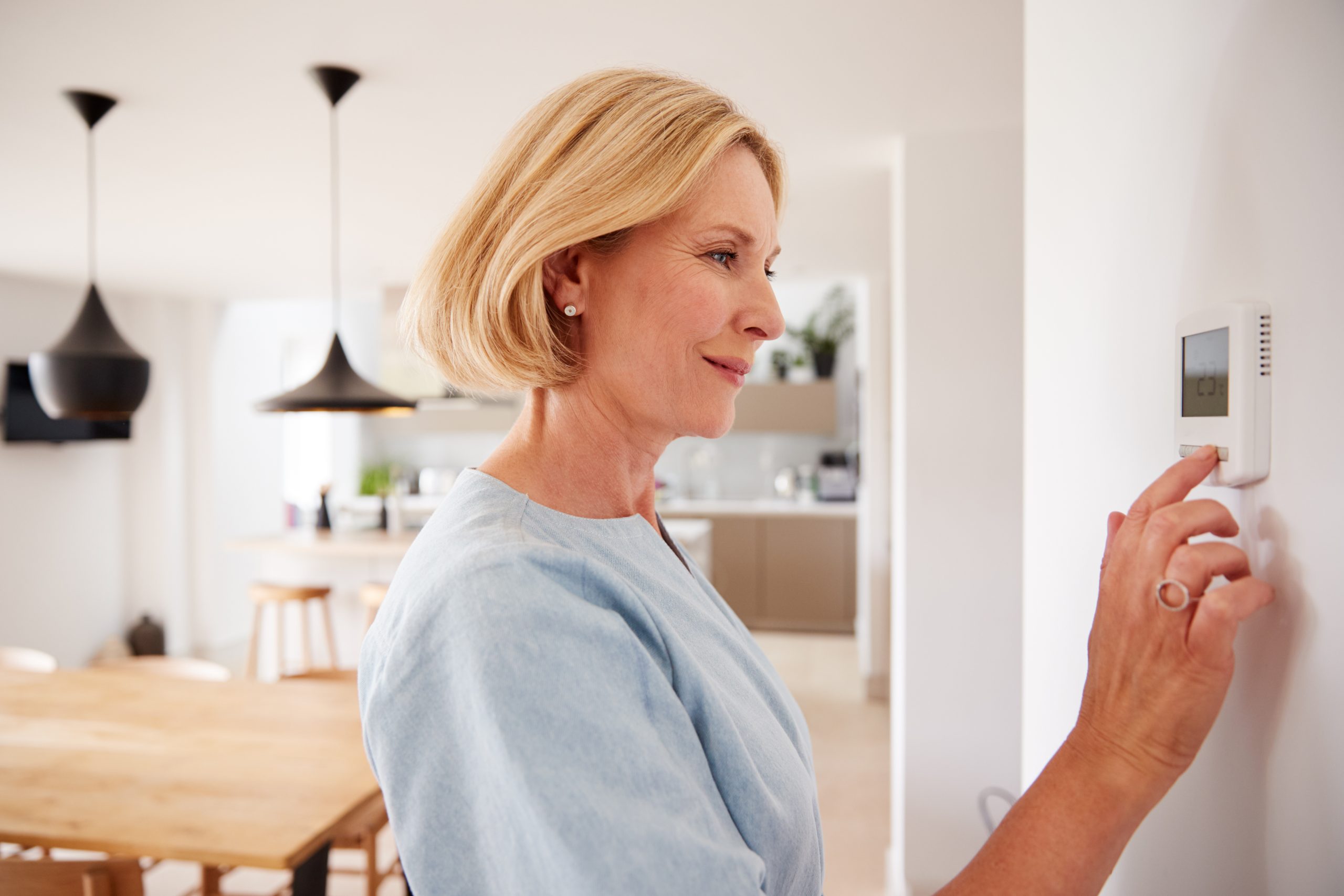 If your home thermostat is unresponsive, there are several safe troubleshooting steps you can try before scheduling service. Many thermostat issues are caused by simple problems such as dead batteries, power interruptions, or incorrect settings.
1. Check the Thermostat Display
- A thermostat detects that the indoor temperature has fallen below the desired setting and signals the furnace to start.
- The furnace generates heat by burning fuel (natural gas, propane, or heating oil)
2. Replace the Batteries
Many programmable and Wi-Fi thermostats use AA or AAA batteries.
- Replace all batteries with fresh, high-quality alkaline batteries.
- Make sure they are installed in the correct orientation.
- After replacing them, wait a minute to see if the thermostat restarts.
3. Verify the Temperature Setting
- Set the thermostat to Heat (during the heating season).
- Increase the temperature setting at least 5°F above the current room temperature.
- Listen for a click from the thermostat or your heating equipment beginning to start.
4. Confirm the Thermostat is in the Correct Mode
For heating, double-check that it is not set to:
- Off
- Cool
- Fan Only
- Vacation or Away Mode (if applicable)
5. Check the Furnace or Boiler Power Switch
Many heating systems have a service switch that resembles a regular light switch.
- Verify it is in the ON position.
- If someone accidentally turned it off, the thermostat will not be able to start the heating system.
6. Check the Emergency Switch
Many basements and utility rooms have an emergency shutoff switch near the heating equipment or at the top of the basement stairs.
- Make sure it has not been accidentally switched off.
7. Check Your Air Filter (Warm Air Furnaces)
A severely clogged air filter can cause a furnace to shut down for safety.
- Replace the filter if it appears dirty, filters should typically be replaced monthly during the heating season.
- Wait several minutes after replacing the filter to see if the system restarts.
8. Wait a Few Minutes
Some thermostats and heating systems include built-in time delays to protect equipment.
- Wait 5 to 10 minutes after making changes before assuming the thermostat is not working.
9. Restart a Smart Thermostat
If you have a Wi-Fi thermostat:
- Follow the manufacturer’s instructions to restart the device.
- Verify your home’s Wi-Fi is working if remote controls are unavailable.
10. Look for Error Messages
If the thermostat displays an error code or warning message:
- Write down or take a picture of the code or message.
- Reference the owner’s manual for direction or search for the error code and model number online to find a solution.
- Share this information with the Main-Care Energy service representative when you call.
When to Contact Main-Care Energy
If you’ve completed these steps and:
- The thermostat display remains blank.
- The thermostat is calling for heat, but the system does not start.
- Your heating system repeatedly shuts off.
Stop troubleshooting and contact Main-Care Energy immediately.
These basic steps can often resolve simple thermostat issues or help identify the source of the problem, allowing a Main-Care Energy technician to diagnose and repair your heating system more efficiently if service is needed.
For homeowners in Washington County, New York State’s Capital Region, or the Hudson Valley curious about smart home automation and awareness contact Main-Care Energy today to learn about Main-Care Connect.


